

Introduction
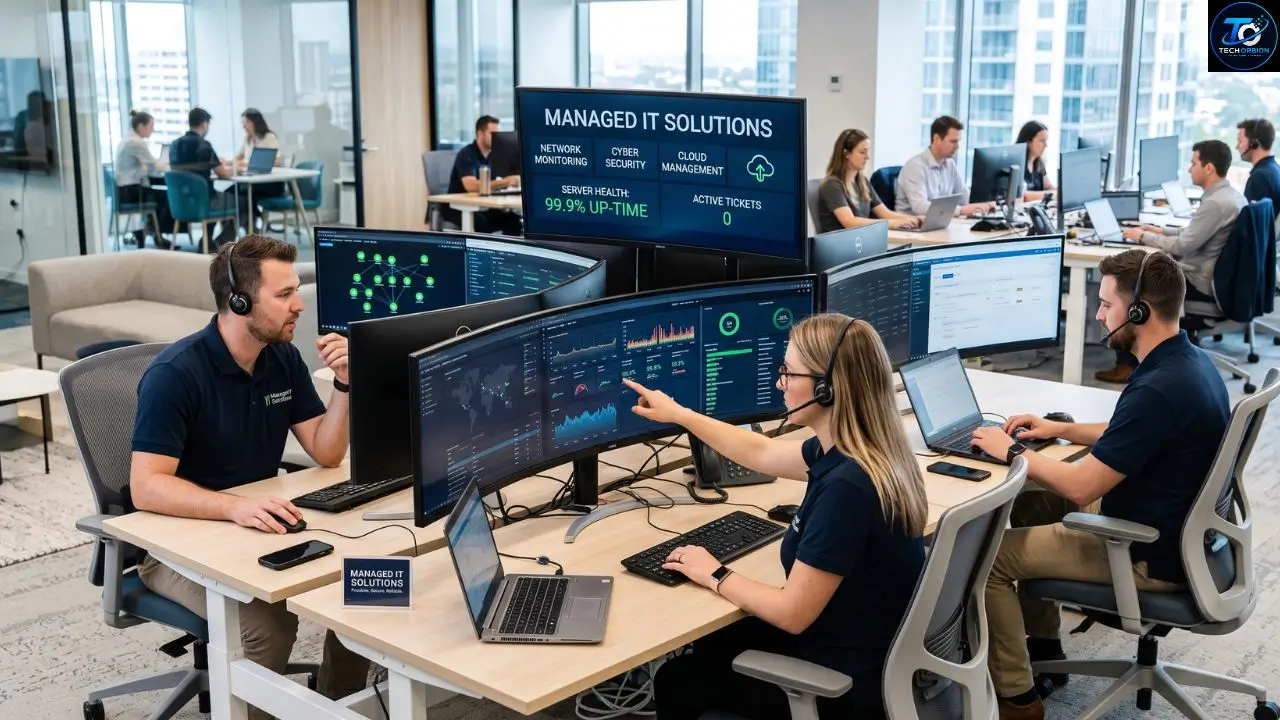
Managed IT solutions help businesses manage their technology without having to build a large in-house IT department. Instead of waiting for computers, networks, or software to break, a managed IT provider monitors and maintains these systems on an ongoing basis.
For a small business, technology problems can quickly become expensive. A network outage can stop employees from working. A security problem can put company data at risk. A failed computer can delay an important project. Businesses that need ongoing technical help can also benefit from Managed IT Support, which provides regular monitoring, maintenance, and technical assistance.Managed IT support helps businesses prevent many of these problems and respond faster when they happen.
But what exactly do managed IT solutions include? How much do they cost? Are they worth it for a small business? This guide explains how managed IT services work, their benefits and drawbacks, common services, pricing factors, and the key things to check before choosing a provider.
Table of Contents
- What Are Managed IT Solutions?
- What Services Do Managed IT Solutions Include?
- Benefits and Drawbacks of Managed IT Solutions
- How Much Do Managed IT Solutions Cost?
- How to Choose the Right Managed IT Provider
- Conclusion
- FAQs
What Are Managed IT Solutions?
Managed IT solutions are technology services provided by an outside company that manages some or all of a business’s IT needs. The provider is often called a Managed Service Provider (MSP).
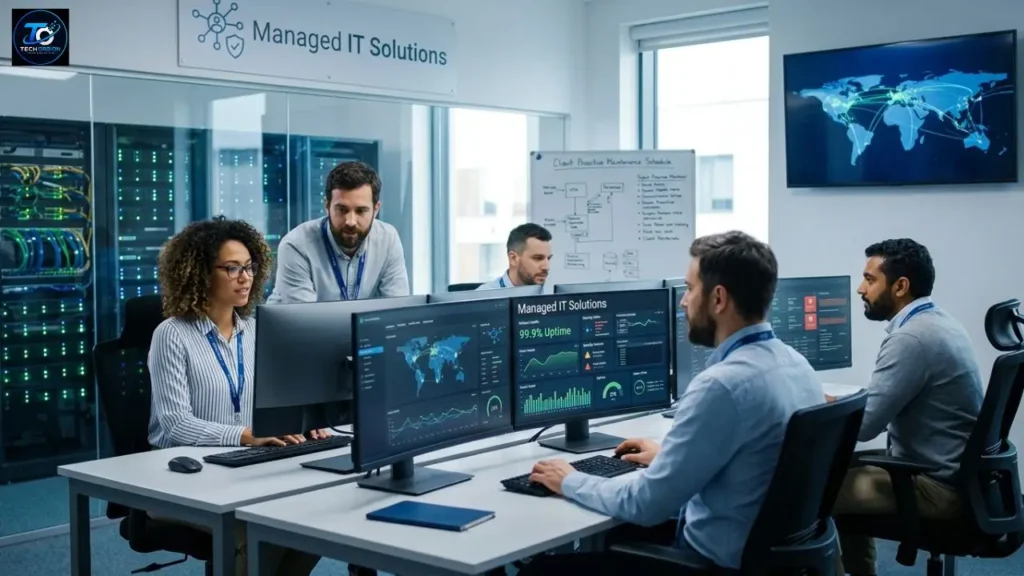
Instead of calling an IT technician only when something goes wrong, a business works with the provider continuously. The IT team can monitor devices, install updates, manage security, maintain networks, handle backups, and provide technical support.
For example, imagine a company with 20 employees. One morning, several employees cannot connect to the company network. With a traditional break-fix approach, someone may need to find an IT technician and wait for help. With managed IT services, the provider may already be monitoring the network and can identify the problem quickly.
How Managed IT Works
Managed IT usually combines technology tools with professional support. Monitoring software can watch computers, servers, networks, and other devices. When something unusual happens, the IT team can receive an alert.
This proactive approach is important. It means the provider is not simply waiting for employees to report problems. It can look for warning signs and fix certain issues before they become serious.
A managed service agreement may include a monthly fee for a defined group of services. However, every provider uses different pricing models and service packages, so businesses should always check what is actually included.
What Services Do Managed IT Solutions Include?
The services included in a managed IT plan depend on the provider and the needs of the business. Some companies need basic computer and network support, while others need advanced cybersecurity, cloud management, backup, and compliance services.
IT Monitoring and Maintenance
Monitoring is one of the main parts of managed IT support. Providers can monitor computers, servers, network devices, and other systems for errors or unusual activity.
Regular maintenance may include software updates, security patches, device checks, and system optimization. Keeping software updated is particularly important because updates often contain fixes for known security weaknesses.
Help Desk and Technical Support
Employees often need help with everyday technology problems. A managed IT provider can operate a help desk where employees submit support requests.
Common issues include:
- Password and login problems
- Slow computers
- Email problems
- Printer issues
- Wi-Fi problems
- Software errors
- File access problems
- Microsoft 365 issues
- New user setup
A good help desk should provide clear communication. Employees should know how to report a problem and what happens after they submit a request.
Network Management
A business network connects computers, printers, servers, Wi-Fi devices, and other equipment. If the network is poorly managed, employees may experience slow connections or frequent outages.
Managed IT providers can monitor network performance, configure network devices, troubleshoot connection problems, and help plan network upgrades.
For businesses with multiple offices, network management can become even more important because employees may need secure access to shared systems from different locations.
Cybersecurity
Cybersecurity is a major part of modern IT management. Businesses can face phishing attacks, malware, ransomware, stolen passwords, unauthorized access, and other threats.
Businesses should therefore make Cybersecurity an important part of their overall IT strategy.
A managed IT provider may help with:
- Endpoint security
- Firewall management
- Multi-factor authentication
- Email security
- Security monitoring
- Password policies
- Security updates
- Access management
- Employee security training
- Incident response planning
No provider can guarantee that a company will never suffer a cyberattack. Good security is about reducing risk, detecting problems early, and preparing for incidents.
Backup and Disaster Recovery
Important business information should not exist in only one place. Hardware can fail, files can be deleted, and cyberattacks can make data unavailable.
Managed IT providers can set up automated backups and help businesses create disaster recovery plans. A disaster recovery plan explains how a company will restore important systems after a serious event.
For example, if ransomware encrypts company files, a tested backup can give the business a way to recover its information without depending entirely on the attacker.
Cloud and Microsoft 365 Management
Many businesses now use cloud platforms for email, file storage, collaboration, accounting, customer management, and other tasks.
Managed IT providers can help create user accounts, manage permissions, improve security, troubleshoot cloud applications, and plan migrations.
Cloud services can make remote work easier, but they still require proper configuration and security. Moving data to the cloud does not automatically make it safe.
Proper cloud configuration is important because moving business data to the cloud does not automatically make it secure. Microsoft’s cloud security documentation provides additional information about securing cloud environments.
Benefits and Drawbacks of Managed IT Solutions
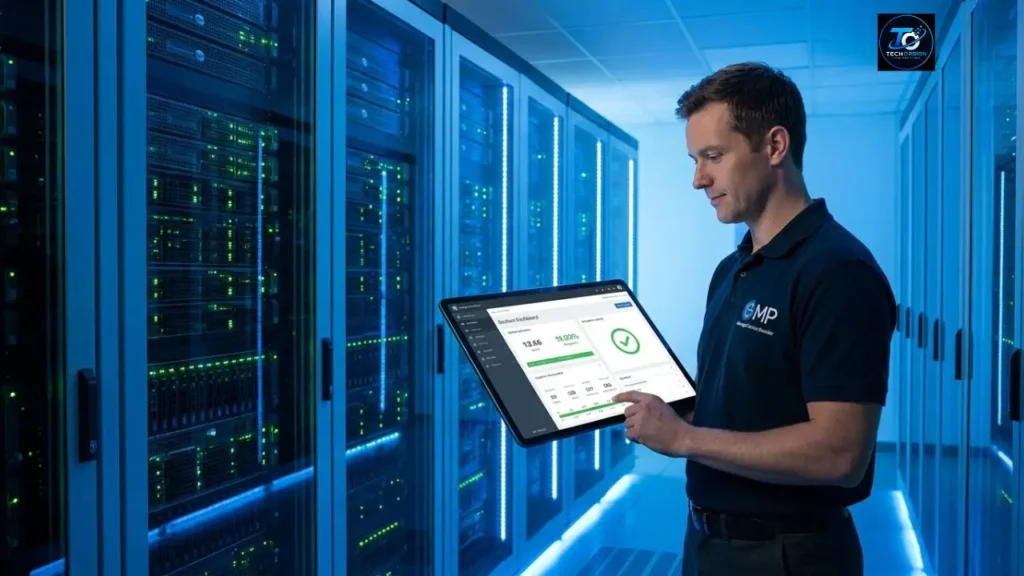
Managed IT services can provide important advantages, especially for businesses that do not have enough employees or expertise to manage technology internally. However, there are also some disadvantages to consider.
Key Benefits
Proactive support: Problems can sometimes be found and fixed before employees notice them.
Predictable expenses: Many providers use monthly pricing, which can make IT spending easier to plan.
Access to expertise: A small company can gain access to people with experience in networking, cloud services, security, backups, and other technical areas.
Improved security: Professional IT management can help reduce common security risks.
Faster troubleshooting: Providers that understand a company’s environment may be able to solve problems more efficiently.
Scalability: IT services can grow as the business adds employees, offices, devices, and applications.
Potential Drawbacks
Managed IT is not automatically the best choice for every business.
One possible drawback is cost. A company with very simple technology needs may not need a complete managed service package.
Another concern is provider dependence. When an outside company manages important systems, the business must trust that provider with sensitive access and information.
Contracts can also contain additional fees. Hardware, major projects, after-hours work, software licenses, or on-site visits may not always be included in the basic monthly price.
Managed IT vs. Break-Fix Support
| Feature | Managed IT | Break-Fix IT |
| Approach | Proactive | Reactive |
| Monitoring | Usually included | Often limited |
| Maintenance | Regular | Usually when problems occur |
| Pricing | Often monthly | Often per issue |
| Security | Usually part of the service | May be separate |
| Planning | Long-term | Usually problem-focused |
| Best for | Ongoing business needs | Occasional technical problems |
The right model depends on the company’s size, budget, technology, and risk level.
How Much Do Managed IT Solutions Cost?
There is no universal price for managed IT services. Providers may charge per user, per device, per month, or create a custom package.
The price can depend on:
- Number of users
- Number of computers and devices
- Servers and network equipment
- Cybersecurity requirements
- Backup needs
- Cloud applications
- Support hours
- On-site service
- Compliance requirements
- Number of business locations
A small office with ten employees and cloud-based applications will have very different requirements from a company with 100 employees, several servers, multiple locations, and strict security needs.
What Should You Ask About Pricing?
Do not compare providers using the monthly price alone. Ask exactly what you receive for that price.
Important questions include:
- Is help desk support included?
- Is cybersecurity included?
- Are backup services included?
- Is on-site support included?
- Is after-hours support available?
- Are software licenses included?
- Are hardware repairs extra?
- Are there setup fees?
- Is there a long-term contract?
- What happens when the agreement ends?
A slightly more expensive provider may offer better value if it provides stronger security, faster response times, better communication, and more useful services.
How to Choose the Right Managed IT Provider
Choosing an IT provider is an important business decision because the provider may have access to computers, accounts, networks, cloud services, and sensitive data.
If you prefer working with a local provider, you can also learn more about Managed IT Services Near Me and what to consider when choosing a nearby IT company.
Start by looking for experience. A provider that already supports businesses similar to yours may understand your technology challenges better than a company with no experience in your industry.
Check the Service Agreement
Read the contract carefully before signing it. The agreement should explain what the provider will manage and what the customer remains responsible for.
Pay attention to response times, support hours, cancellation rules, additional charges, security responsibilities, and data ownership.
A clear contract prevents misunderstandings later.
Ask About Security
Security should be one of your biggest considerations.
Ask how the provider protects its own systems and how it protects customer environments. Find out whether it uses multi-factor authentication, access controls, security monitoring, backups, and documented incident-response procedures.
Also ask how administrative accounts are managed. An IT provider should not give unnecessary people permanent access to sensitive systems.
Check Reviews and References
Reviews can help you understand how a provider treats customers, but do not depend entirely on online ratings.
If possible, ask for customer references. Talk to businesses that have worked with the provider and ask about response times, technical knowledge, communication, reliability, and billing.
Look for Clear Communication
Technical knowledge is important, but communication matters too.
A good provider should explain technical problems in simple language. You should understand what happened, what needs to be done, how long it may take, and whether there will be additional costs.
Common Mistakes to Avoid
Avoid choosing a provider simply because it has the lowest price.
Other mistakes include:
- Signing a contract without reading it
- Ignoring cybersecurity
- Not asking about backups
- Assuming everything is included
- Failing to check response times
- Not checking customer references
- Giving excessive access to IT accounts
- Choosing a provider that cannot support future growth
Expert Tip: Think Beyond IT Problems
The best managed IT relationship should not focus only on fixing broken computers.
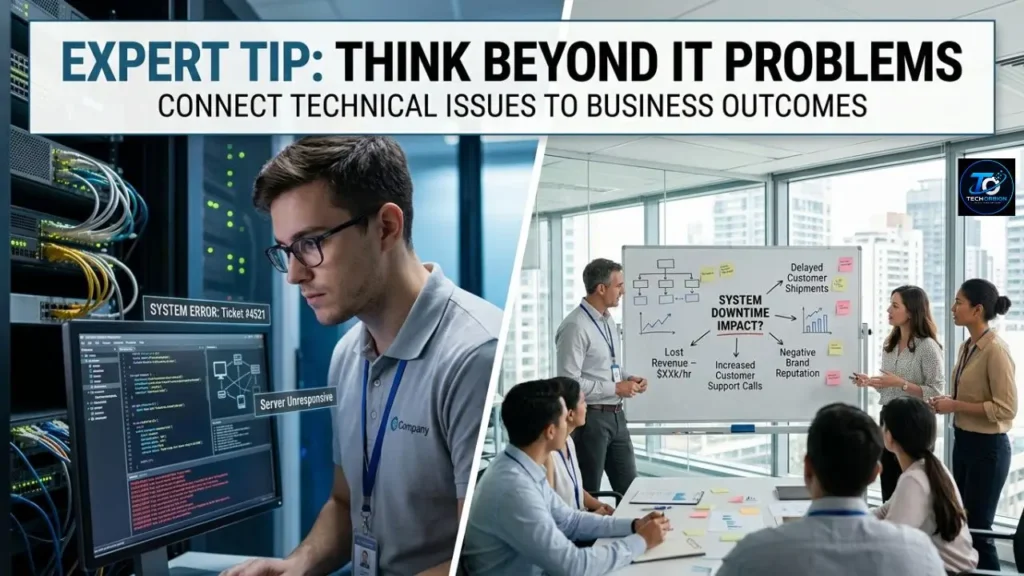
Your provider should also help you think about the future. If you plan to hire 30 new employees, open another office, move to new cloud software, or improve cybersecurity, your IT provider should help you prepare.
This turns IT from a daily headache into a planned business resource.
Conclusion
Managed IT solutions give businesses a practical way to manage technology, security, networks, cloud services, backups, and technical support without building a large internal IT team.
The biggest advantage is the proactive approach. Instead of waiting for every problem to become an emergency, a managed service provider can monitor systems, maintain devices, improve security, and help plan for future technology needs.
However, not every provider offers the same level of service. Before choosing one, compare pricing, security practices, response times, contracts, customer references, and included services.
The best managed IT provider is not necessarily the cheapest. It is the one that understands your business, communicates clearly, protects your systems, and provides dependable support as your company grows.
FAQs About Managed IT Solutions
1. What are managed IT solutions?
Managed IT solutions are ongoing technology services provided by an outside IT company. They can include technical support, network management, cybersecurity, backups, cloud services, monitoring, and maintenance.
2. What is an MSP?
MSP means Managed Service Provider. An MSP is a company that manages technology services for another business on an ongoing basis.
3. Are managed IT services good for small businesses?
Yes. Small businesses often cannot afford a large internal IT department. An MSP can provide access to IT specialists and technology services for a predictable cost.
4. What is included in managed IT services?
Services vary by provider, but common offerings include help desk support, network management, device monitoring, cybersecurity, backups, cloud management, software updates, and disaster recovery.
5. How much do managed IT solutions cost?
Pricing varies according to the number of users, devices, services, security requirements, support hours, and other factors. Providers may charge per user, device, or through a monthly package.
6. Are managed IT solutions worth the money?
They can be worth the cost when a business depends heavily on technology and needs ongoing support. The value depends on the services included and the company’s specific IT requirements.
7. Can a managed IT provider improve cybersecurity?
Yes. An MSP can help with security monitoring, endpoint protection, access controls, patching, multi-factor authentication, backups, and employee security training. However, no provider can guarantee complete protection.
8. Do managed IT providers offer remote support?
Most managed IT providers offer some form of remote support. Many technical problems can be diagnosed and fixed remotely, while physical problems may require an on-site visit.
9. What should I ask an MSP before hiring it?
Ask about pricing, services, response times, security, backups, contracts, customer references, after-hours support, additional fees, and what happens when the contract ends.
10. What is the difference between managed IT and break-fix IT?
Managed IT focuses on ongoing monitoring and prevention, while break-fix support usually involves calling a technician after a problem occurs. Managed IT is generally designed for continuous business support.
