

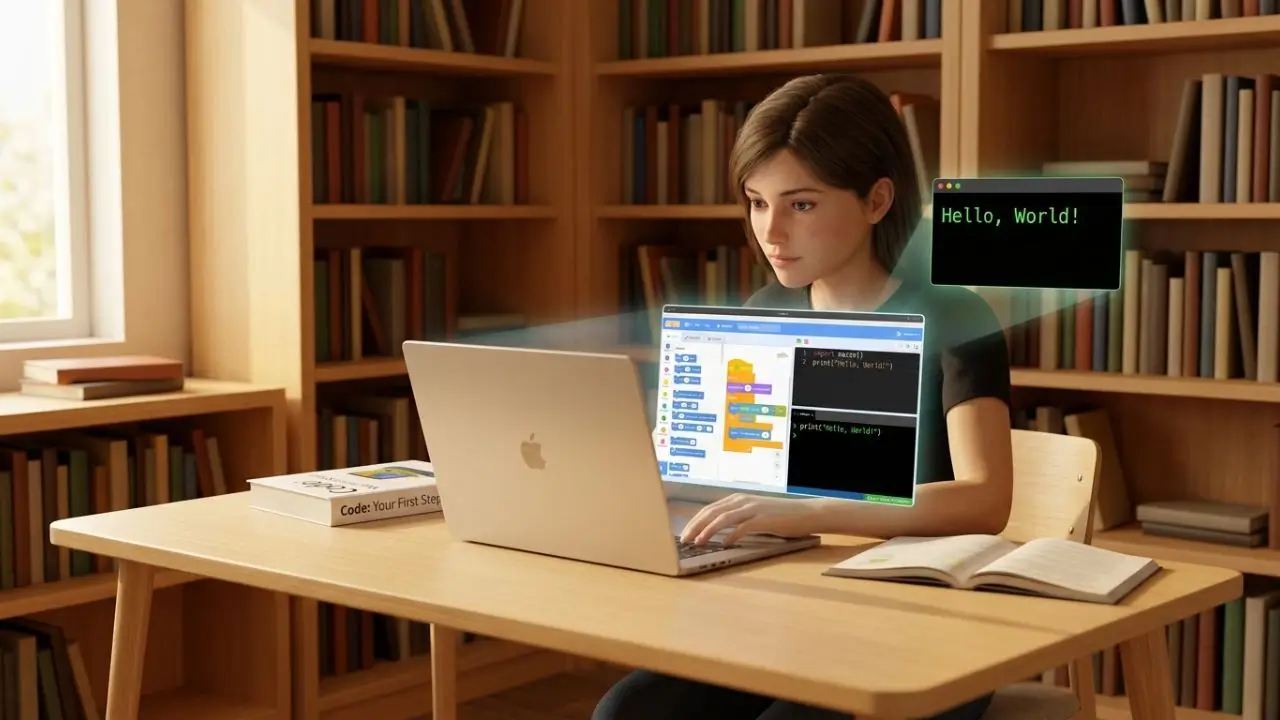
Learning to code can feel confusing when you are starting from zero. There are dozens of programming languages, hundreds of courses, and countless tutorials online. The good news is that you don’t need to learn everything at once.
Programming for beginners is mainly about learning how to think through problems, understand basic coding concepts, write simple programs, and practice by building small projects. You can start without a computer science degree or previous programming experience.
For many beginners, Python is a practical first language because its syntax is relatively easy to read and it can be used for automation, web development, data work, and many other tasks. If your main goal is building websites, JavaScript is another strong starting point.
This guide explains what programming is, what language you should consider first, what to learn, which tools to use, and how to create your first projects.
What Is Programming?
Programming is the process of writing instructions that tell a computer what to do. These instructions are written using a programming language such as Python, JavaScript, Java, C++, or others.
Think of a program like a recipe. A recipe tells you what ingredients to use and what steps to follow. A computer program works in a similar way: it gives the computer a set of instructions to follow.
For example, a very simple Python program can look like this:
name = input(“What is your name?”)
print(“Hello, ” + name + “!”)
The program asks for a name and then displays a greeting.
Programming becomes much more powerful when you combine basic instructions to create useful software. Developers use programming to build websites, mobile apps, games, desktop software, automation tools, databases, and many other technologies.
What Do Beginners Need to Know?
You do not need to understand advanced mathematics before learning programming. Instead, focus on basic concepts such as:
Variables
Data types
operators
Conditions
Loops
Functions
Lists and other data structures
Errors and debugging
Algorithms
Problem solving
These concepts appear in different forms across many programming languages.
Which Programming Language Should Beginners Learn First?
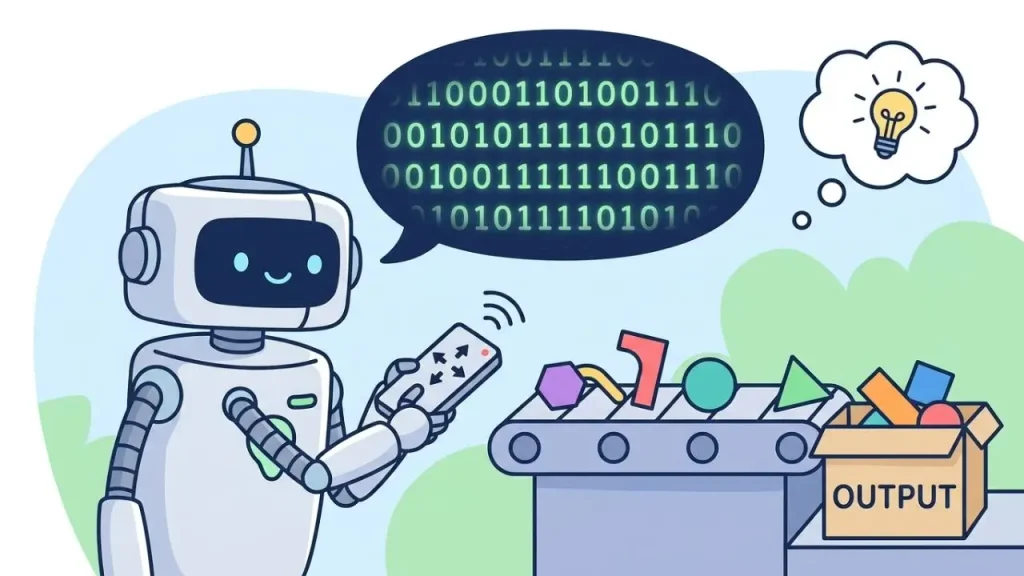
There is no single programming language that is perfect for every beginner. Your choice should depend on what you want to build.
However, Python is a practical starting point for many people who are completely new to programming. Python’s official beginner resources describe it as easy to learn, while its documentation covers the language and its large standard library.
Here is a simple comparison:
| Programming Language | Good For | Beginner Difficulty |
| Python | Automation, AI, data, scripting, backend development | Easy |
| JavaScript | Websites and web applications | Moderate |
| Java | Enterprise software and application development | Moderate |
| C++ | Games, systems, and performance-focused software | Higher |
| C# | Games, Windows applications, and enterprise development | Moderate |
| Swift | Apple platform development | Moderate |
Python for Beginners
Python is a good option if you want to learn programming concepts without dealing with a large amount of complicated syntax.
You can use Python for:
Automation
Data analysis
Artificial intelligence
Machine learning
Web development
Scripts and utilities
Beginner programming projects
The official Python website provides a dedicated beginner section and learning resources.
JavaScript for Beginners
JavaScript makes more sense if your main goal is web development.
JavaScript can make web pages interactive. For example, it can control buttons, forms, animations, page content, and other interactive features. MDN provides beginner JavaScript tutorials covering variables, conditions, functions, loops, events, and other fundamentals.
If you want to create websites, a common learning path is:
HTML → CSS → JavaScript → Web frameworks and tools
Programming for Beginners: What Should You Learn First?
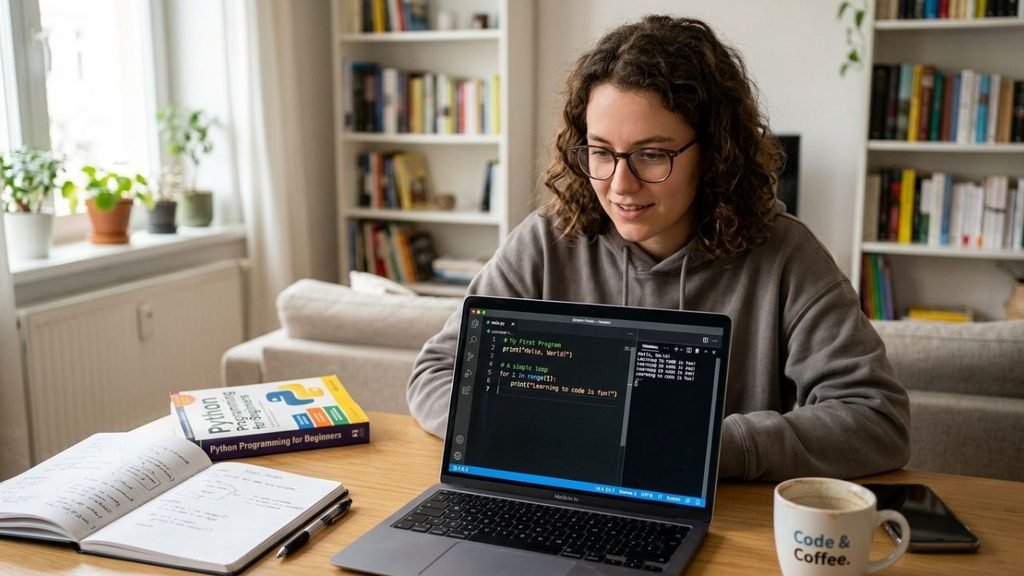
One of the biggest mistakes beginners make is trying to learn too many things at the same time.
Instead, follow a simple progression.
1. Learn Variables
Variables allow a program to store information.
For example:
name = “Alex”
age = 20
Here, name stores text and age stores a number.
Understanding variables is one of the first steps toward understanding how programs store and use information.
2. Understand Conditions
Programs often need to make decisions.
For example:
age = 20
if age >= 18:
print(“You are an adult.”)
else:
print(“You are under 18.”)
The if statement checks a condition and decides which instruction should run.
3. Learn loops
Loops allow you to repeat instructions.
For example:
for number in range(5):
print(number)
Instead of writing the same instruction five times, a loop handles the repetition.
4. Learn Functions
Functions are reusable pieces of code.
def greet(name):
print(“Hello, ” + name)
greet(“Alex”)
Functions make larger programs easier to organize and maintain.
5. Learn Data Structures
After the basics, start working with collections of information.
Common beginner-friendly data structures include:
Lists
Dictionaries
sets
Tuples
Arrays, depending on the language
You don’t need to memorize everything. Learn how each structure works and practice using it.
How to Start Programming as a Complete Beginner
If you have never written code before, do not start by downloading ten programming courses.
Follow these steps instead.
Step 1: Choose One Goal
First ask yourself what you want to create.
For example:
Websites
Games
Mobile apps
Automation scripts
AI projects
Data tools
Desktop applications
Your goal can help you choose a suitable language.
Step 2: Pick One Language
For a general introduction, Python is a reasonable starting point.
If you specifically want to build interactive websites, start with HTML and CSS basics before moving into JavaScript.
Do not switch languages every few days because another language looks interesting.
Step 3: Learn the fundamentals
Spend your first learning stage:
Variables
Data types
operators
Conditions
Loops
Functions
Lists or arrays
Basic error handling
Simple problem solving
You do not need to master every topic before writing a project.
Once you start writing Python code regularly, learning useful shortcuts can save time and make your coding workflow easier. PyCharm Shortcuts for Beginners can help you work more efficiently when using PyCharm.
Step 4: Write Code Every Day
Watching tutorials is useful, but programming is a practical skill.
After learning a concept, type the code yourself and change it.
For example, if a tutorial creates a calculator, change the calculator. Add another operation. Improve the messages. Try to break the program and then fix it.
This process teaches you much more than simply copying the tutorial.
Step 5: Build a Small Project
Once you understand the basics, build something simple.
Good first programming projects include:
Number guessing game
Simple calculator
Quiz game
To do list
Password generator
Unit converter
Expense tracker
Simple text-based game
Basic website
Random quote generator
Your first project doesn’t need to be impressive. Its purpose is to make you combine several programming concepts.
Best Free Resources for Learning Programming
You can learn a large amount of programming without paying for an expensive course.
Python.org
The official Python website provides beginner information, documentation, tutorials, and other learning resources. It is especially useful when you want accurate information about the Python language itself.
However, Python is a practical starting point for many people who are completely new to programming.
Python.org ka official beginner page specifically new programmers ke liye getting-started information deta hai.
MDN Web Docs
If you want to learn web development, MDN is an important reference. Its JavaScript learning materials include beginner lessons and practical exercises.
MDN also explains JavaScript through practical examples, including a beginner project where learners create a simple number-guessing game.
Harvard CS50
Harvard’s CS50x is another useful option if you want a broader introduction to computer science and programming.
The 2026 course covers topics including algorithms, memory, data structures, Python, SQL, HTML, CSS, JavaScript, and Flask. It is designed for learners with or without previous programming experience.
Common Mistakes Beginners Make
Learning programming becomes much harder when you use the wrong learning habits.
Trying to Learn Multiple Languages
Starting Python, JavaScript, C++, Java, and Rust at the same time may sound productive, but it can leave you confused.
Choose one path first.
Watching Tutorials Without Practicing
You may understand a tutorial while watching it but struggle when the screen is closed.
That’s normal.
After every lesson, write something yourself.
Memorizing Everything
You do not need to memorize every function or command.
Professional programmers regularly use documentation and reference material.
Focus on understanding:
What the code does
Why it works
When to use it
How to modify it
Giving Up When You See Errors
Errors are a normal part of programming.
A beginner might see an error message and think, “I cannot code.”
A better approach is to ask:
What does the error say?
Which line caused it?
What was the program supposed to do?
What actually happened?
What changed immediately before the error appeared?
Debugging is part of programming, not a sign that you have failed.
A Simple Programming Roadmap for Beginners
If you are unsure where to begin, use this basic roadmap.
Stage 1: Programming Basics
Learn:
Variables
Data types
operators
Conditions
Loops
Functions
Stage 2: Problem Solving
Start solving small problems.
For example:
Find the largest number
Check whether a number is even
Count words
Convert temperatures
Calculate a percentage
Search through a list
Stage 3: Data Structures
Learn the basic structures used by your chosen language.
For Python, this can include lists, dictionaries, sets, and tuples.
Stage 4: Projects
Build three to five small projects.
Don’t worry about making them perfect.
Stage 5: Choose a Specialization
Once you understand programming fundamentals, choose a direction.
Possible paths include:
Web Development: HTML, CSS, JavaScript, backend technologies
Data and AI: Python, data structures, statistics, data tools, machine learning
Game Development: C#, C++, game engines, graphics concepts
Mobile Development: Swift for Apple platforms or Kotlin for Android
Cybersecurity: Programming fundamentals, networking, operating systems, scripting, and security concepts
Automation: Python, APIs, scripts, and command-line tools
This is where programming becomes more focused. You do not need to decide your entire career on your first day.
How Long Does It Take to Learn Programming?
There is no universal timeline.
Your progress depends on how often you practice, how difficult your goals are, your previous experience, and how much time you can spend learning.
Instead of asking, “How many months until I become a programmer?” focus on measurable milestones.
For example:
Write your first working program.
Understand variables and conditions.
Build a small calculator.
Solve basic coding problems.
Build your first independent project.
Read someone else’s simple code.
Fix a bug without following a tutorial.
These milestones give you a clearer picture of progress than simply counting study hours.
Final Tips for Programming for Beginners
The best way to approach programming for beginners is to keep your learning simple.
Choose one language, learn the fundamentals, practice regularly, and build projects as soon as you can.
You do not need to know everything before creating something. In fact, building projects will show you what you still need to learn.
If you choose Python, use the official Python learning resources. If your goal is web development, explore HTML, CSS, and JavaScript with resources such as MDN. If you want a broader computer science foundation, Harvard’s CS50 provides a structured introduction that moves through several important areas of programming.
Most importantly, do not compare your first week of coding with someone else’s fifth year. Programming is a skill that improves through practice.
FAQs About Programming for Beginners
What is the best programming language for beginners?
Python is a practical first choice for many complete beginners because its syntax is relatively readable and it can be used for many types of projects. However, someone whose main goal is web development may prefer to start with HTML, CSS, and JavaScript.
Can I learn programming with no experience?
Yes. You can start programming without previous coding experience. Start with basic concepts such as variables, conditions, loops, and functions, then practice them through small projects.
Is Python good for programming beginners?
Yes. Python is widely used for beginner learning as well as areas such as automation, data work, web development, and AI. Python’s official website also provides resources specifically aimed at people getting started.
Can I learn programming for free?
Yes. There are free resources from organizations such as Python.org, MDN, and Harvard CS50. These resources can help you learn programming fundamentals without purchasing an expensive course.
What should I build as my first programming project?
Start with something small enough to finish. A calculator, number-guessing game, quiz, to-do list, unit converter, or simple website can be a good first project. The goal is to practice combining several basic programming concepts.
Conclusion
Programming for beginners does not have to be complicated. Start with one language, learn the basic building blocks, write code regularly, and create small projects that solve simple problems.
Python is a useful starting point for many new programmers, while JavaScript is especially relevant to people who want to create interactive websites. As your skills grow, you can move into areas such as web development, automation, AI, data, games, mobile apps, or cybersecurity.
You will make mistakes, encounter confusing errors, and sometimes feel stuck. That’s normal. Keep practicing, learn from each problem, and build one project at a time. With a clear learning path, programming becomes much easier to understand.
