

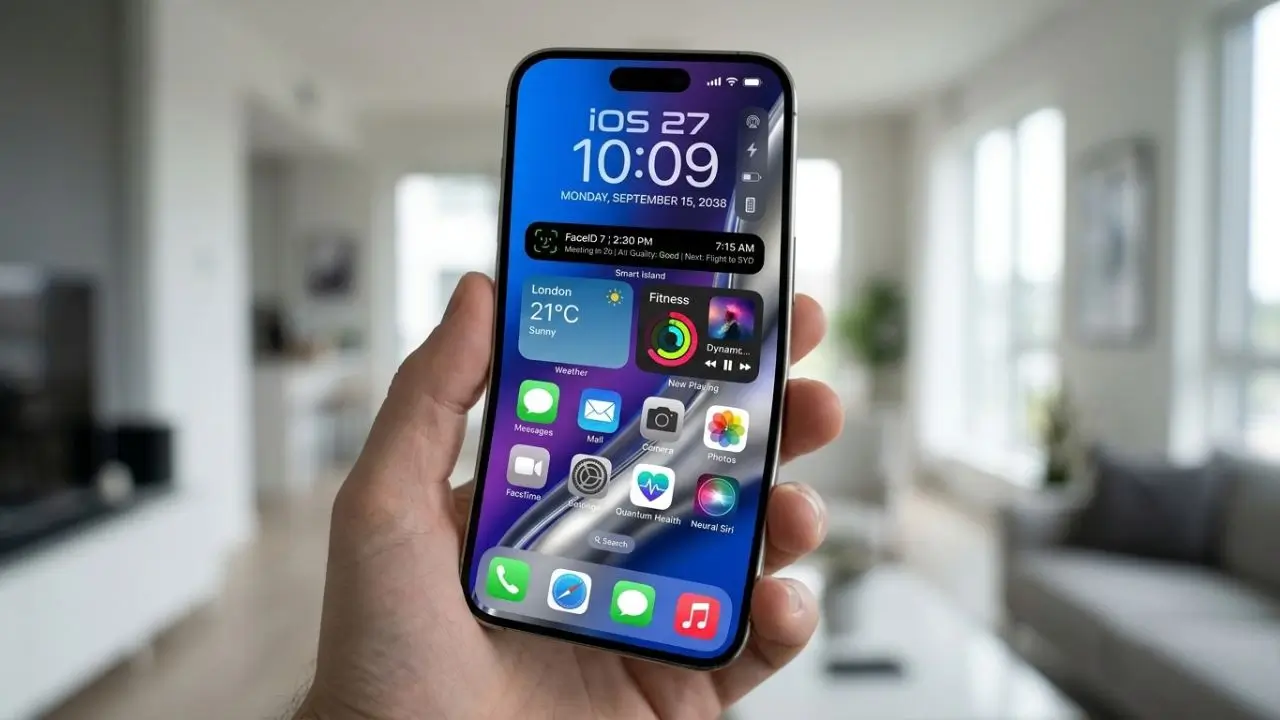
Apple has released a major new software update for the iPhone: iOS 27. The new version focuses not only on a redesigned look but also introduces significantly more powerful AI capabilities, improvements to Siri, faster system performance, and numerous tweaks to everyday apps.
Of particular interest is the new Siri AI, which is designed to handle natural conversations and more complex tasks more effectively. At the same time, Apple is working on tighter integration between Apple Intelligence and apps such as Photos, Messages, Safari, and Home. iOS 27 has been available since September 14, though the availability of specific features may vary depending on the device, language, and region.
For owners of older iPhones, one question stands out: Is the update worth it, and which features can their specific device actually use? This is where things get interesting, as general iOS 27 compatibility and the availability of specific AI features are not the same thing.
What is iOS 27, and what makes the new version special?
iOS 27 is Apple’s latest generation of iPhone software, bringing a mix of new features and improvements to existing system areas. Apple has placed great emphasis on ensuring the update does not feel like a completely new platform; instead, specific areas have been further refined. These include the user interface, Siri, Photos, Mail, Messages, Safari, and general system performance.
One of the most notable changes is the evolution of Apple Intelligence. With Siri AI, the voice assistant is designed to go beyond simply responding to individual, basic commands. Apple describes the new Siri as a more conversational assistant capable of understanding complex questions and assisting with various tasks. Users can, for example, brainstorm ideas, summarize information, or get help with a range of activities.
A stronger focus on artificial intelligence
AI is thus a central theme of iOS 27. Apple is not simply integrating intelligent features as a separate gimmick; instead, it aims to embed them directly into familiar applications. Photos is gaining new editing capabilities, while Visual Intelligence is being geared more towards analyzing content both on-screen and in the user’s surroundings.
This move is also significant for developers. Apple is providing new ways for apps to more deeply integrate their content and actions with Siri AI and other system functions. In the long run, this could make the iPhone less dependent on users having to open individual apps and search for specific functions to complete every task.
Siri AI and Apple Intelligence in iOS 27
The new Siri AI is one of the most interesting features of iOS 27. Instead of merely processing short voice commands, Siri is designed to facilitate more natural conversations. Users can ask questions, formulate follow-up queries, and receive assistance with more complex tasks. With this move, Apple is positioning Siri AI much more strongly as a personal assistant rather than just a simple voice command service.
Another key aspect is the ability to use Siri AI for more creative and extensive tasks. According to Apple, the new Siri can assist with activities such as brainstorming, planning, and document editing. This could make Siri significantly more appealing to students, professionals, and anyone who frequently uses their iPhone for organization. However, the availability of these features varies; Apple notes that language, region, and supported devices are all factors.
AI directly in everyday apps
Apple Intelligence is not limited to Siri in iOS 27; apps such as Photos, Messages, and Safari also benefit from new intelligent features. Photos, for instance, gains new editing capabilities. These include features like Spatial Reframing and an improved Clean-Up tool that allows users to remove unwanted elements from images.
The evolution of Visual Intelligence is also noteworthy. The system is capable of deeper content analysis, helping users access information about objects or items displayed on the screen. For many users, this type of AI is likely to prove more practical than flashy demo features, as it can be applied directly to everyday tasks.
Design, Speed, and Everyday Improvements
With iOS 27, Apple is continuing to refine the user interface. The previously introduced “Liquid Glass” design has been polished, with Apple placing special emphasis on readability and contrast. Users also gain more options to customize the appearance of Liquid Glass; for instance, a new slider allows them to adjust the look to be more transparent or tinted.
App icons have also been redesigned. They appear more detailed and are intended to harmonize better with the current design system. While such changes might seem minor at first glance, they influence the daily experience of using the iPhone. Especially with an operating system that users look at for hours every day, small design choices can make a significant difference.
Greater speed in everyday use
iOS 27 focuses on more than just visible changes; Apple has also announced concrete improvements to speed. According to the company, apps can launch up to 30 percent faster under certain conditions. New photos can load up to 70 percent faster in the Photos library, while AirDrop transfers can be up to 80 percent faster in suitable scenarios.
Such figures should not be viewed as a guarantee for every iPhone. Actual speed depends on factors such as the specific model, storage status, and the apps being used. Nevertheless, the direction taken with iOS 27 demonstrates that Apple is not solely focused on adding new features; the company is simultaneously working to make existing processes more efficient.
Which iPhones are compatible with iOS 27?
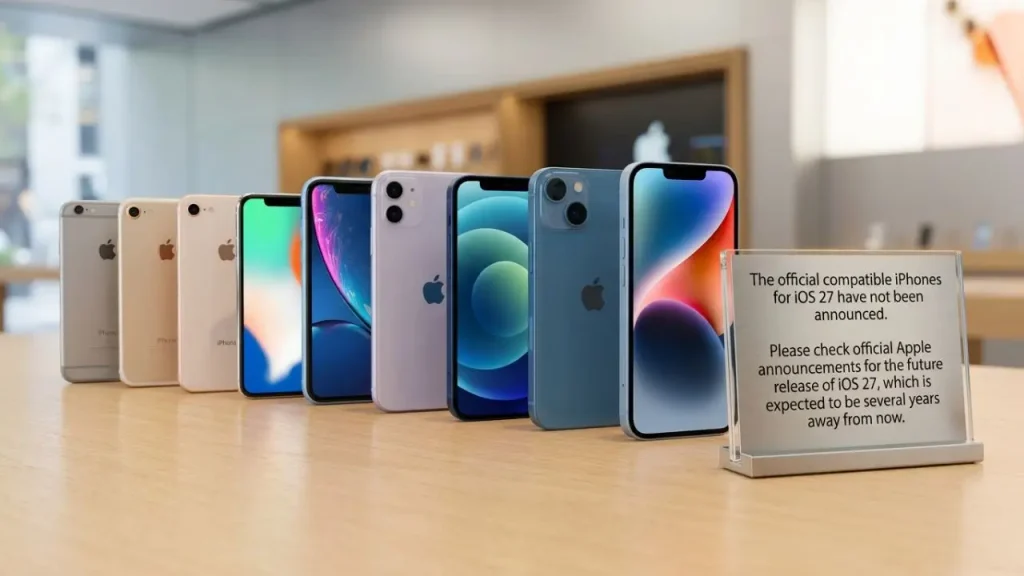
Naturally, one of the most important questions before updating is: Can my iPhone install iOS 27? Apple supports a comparatively long list of devices. This includes current models from the iPhone 17 generation as well as numerous older devices.
Users of a new iPhone 18 Pro, in particular, can benefit from the advanced features and performance improvements of iOS 27.
According to Apple’s official compatibility list, support extends back to the iPhone 11. Also included are various models from the iPhone 12, iPhone 13, iPhone 14, iPhone 15, and iPhone 16 series, as well as the second-generation iPhone SE and later models.
Compatibility does not automatically mean identical features.
There is an important distinction here. An iPhone might be able to install iOS 27 without automatically gaining every new AI feature. Apple Intelligence and Siri AI require more powerful hardware and are therefore limited to specific, newer models.
For Apple Intelligence features, Apple lists—among others—all iPhone 16 models and subsequent generations, as well as the iPhone 15 Pro and iPhone 15 Pro Max. Full functionality may also depend on language and region.
This means that owners of older, compatible iPhones will still receive the core improvements of iOS 27 but should not expect every new AI feature to be available. This distinction is particularly important when considering whether a new iPhone is worth buying solely for the sake of software features.
New features for Photos, Mail, Maps, and Home
iOS 27 brings improvements to several apps that many users rely on daily. New AI-powered editing tools are available in the Photos app. The enhanced “Clean Up” feature is particularly handy, while “Spatial Reframing” opens up new possibilities for creatively adjusting image framing.
Mail also receives a useful upgrade. Search now utilizes a new ranking system designed to display relevant results higher up in the list. Users with large numbers of emails may find this helps them locate the desired message more quickly, without having to sift through long lists.
Maps and Smart Home Get Smarter
Apple is also enhancing Maps. The new Flyover experience combines aerial imagery with visual intelligence models to render landscapes and architectural details with greater precision. This serves less as a traditional navigation feature and more as a visual enhancement of the map view.
The Home app is gaining new intelligent features as well. For instance, Apple Intelligence can summarize related notifications and provide descriptions of specific HomeKit Secure Video recordings. Supported cameras can also enable 4K streaming and recording. In this way, the iPhone is increasingly evolving into a central interface for the connected home.
Is the update to iOS 27 worth it?
For owners of a compatible iPhone, there are many good reasons to install the update. The new software does not merely introduce isolated features; it simultaneously improves several fundamental areas. Users of newer iPhones, in particular, stand to benefit from the additional Apple Intelligence capabilities.
Those with an older model should keep their expectations realistic. While the core system improvements may still be appealing, certain AI features require newer hardware. Consequently, one should not assume—based solely on marketing for Siri AI or Apple Intelligence—that every feature will be available on every supported iPhone.
What should you consider before the update?
It is advisable to create a current backup before a major system update. Photos, contacts, important documents, and other personal data should not be stored solely on the iPhone. Additionally, there should be sufficient free storage space to ensure the update can be downloaded and installed without issues.
Anyone wishing to view all the latest features and changes in detail can find a complete overview on Apple’s official iOS 27 page.
If you use your iPhone for work or important daily tasks, you might also want to check whether your key apps are already compatible with the new iOS version. While this is usually not a problem for standard App Store apps, the situation may differ for older or infrequently updated apps.
Conclusion
iOS 27 is more than just a minor annual update. Apple combines a refined design with performance improvements and a significantly stronger focus on artificial intelligence. Siri AI, in particular, illustrates the direction in which the iPhone is evolving: the assistant is designed to communicate more naturally and comprehend more complex tasks, while Apple Intelligence is simultaneously being integrated directly into various apps.
The update is particularly appealing to owners of newer iPhones, as they can utilize the majority of the new AI features. Older compatible models will also receive iOS 27 but will miss out on certain hardware-dependent functions. Overall, iOS 27 represents a move where Apple is focusing less on a single spectacular new feature and instead improving many aspects of the iPhone experience simultaneously.
Frequently Asked Questions about iOS 27
1. When was iOS 27 released?
Apple released iOS 27 on September 14, 2026. However, the exact availability of specific features may vary depending on region and language.
2. Which iPhones support iOS 27?
iOS 27 supports numerous iPhone models, including the iPhone 11 series and newer generations. Apple also lists the iPhone SE (2nd generation and later) as compatible.
3. Do all iPhones running iOS 27 also get Siri AI?
No. Installing iOS 27 does not automatically mean that all Apple Intelligence and Siri AI features are available. Additional hardware, language, and regional requirements apply to these features.
4. What is the most important new feature in iOS 27?
One of the key new features is Siri AI. The new version makes Siri more conversational and expands its capabilities for handling complex questions, planning, and creative tasks.
5. Should you install iOS 27 immediately?
For most owners of a compatible iPhone, the update may be worthwhile. However, before installing, you should create a current backup and verify that important apps and personal data are properly secured.
