

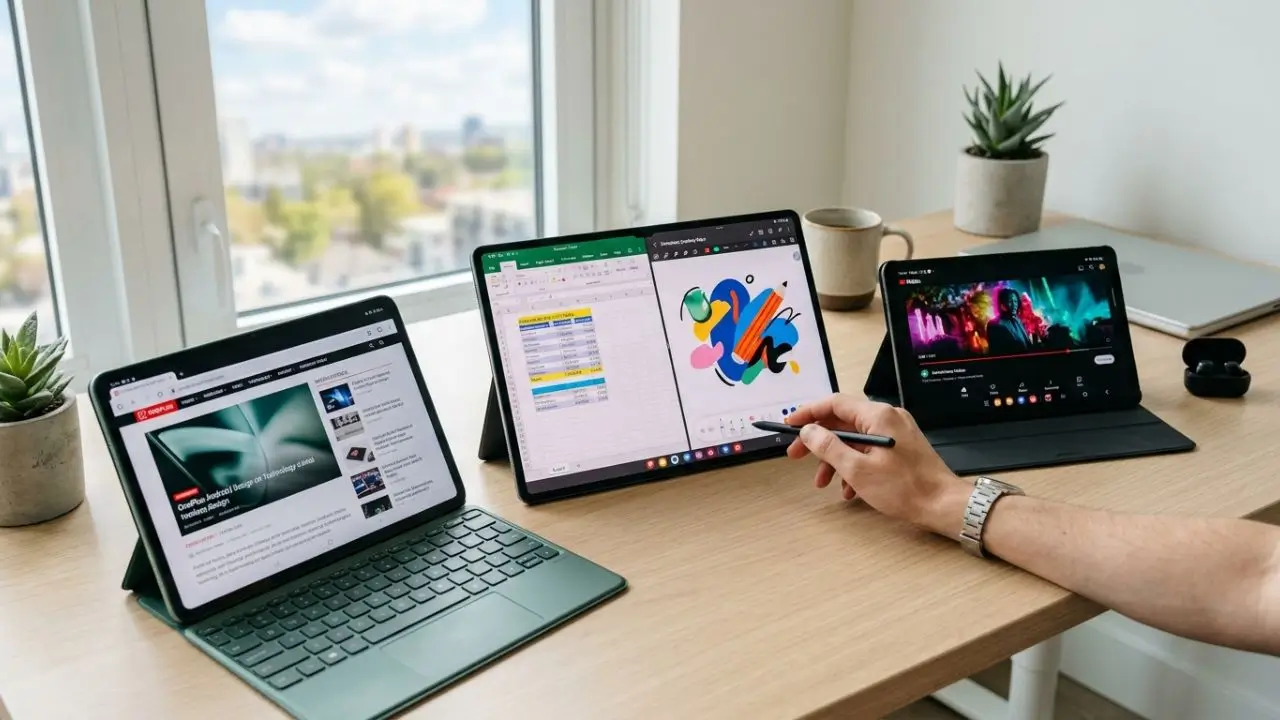
These days, a good tablet can be so much more than just a big screen for YouTube and movies. It can serve as a work tool, a learning aid, an e-book reader, a drawing surface, a gaming device, or even a replacement for a basic laptop. That’s exactly why finding the best Android tablets isn’t exactly easy. There are affordable models for everyday use, high-performance premium tablets, and devices that are particularly well-suited for children, students, creative tasks, or mobile work.
Android tablets offer a major advantage in this regard: there are many different devices and price ranges. Brands like Samsung, Lenovo, Xiaomi, and OnePlus offer models designed for a wide variety of needs. An expensive tablet isn’t necessarily the best choice. What matters most is what you want to use it for and which features really make a difference in everyday use.
1. What makes an Android tablet truly great?
Above all, a good Android tablet should be comfortable and reliable to use. This includes a bright and sharp display, smooth performance, decent battery life, and enough storage space. For example, someone who mainly watches videos, reads online, or uses social media apps doesn’t need the same level of performance as someone who plays resource-intensive games or uses multiple apps at the same time.
The size of the display also plays a major role. Compact tablets are lighter and easier to use on the go. Larger models, on the other hand, are better suited for movies, documents, multitasking, and creative tasks. A 10- to 11-inch display is a good compromise for many users, while devices with 12-inch or larger screens are particularly appealing if the tablet is intended to partially replace a laptop.
Display and Usability
When it comes to the display, resolution isn’t the only factor to consider. Brightness, colors, refresh rate, and image quality all have at least as much of an impact on your day-to-day experience. For example, a 90-Hz or 120-Hz display can feel significantly smoother than a standard 60-Hz panel when scrolling or playing compatible games.
For movies and TV shows, vibrant colors and good contrast are especially enjoyable. On the other hand, if you read a lot of text, you should also make sure the device displays small font sizes clearly. Weight is also a key factor during longer sessions. A large tablet with an excellent screen can become impractical if it feels uncomfortably heavy in your hand after just 20 minutes.
2. The Best Android Tablets for Different Users
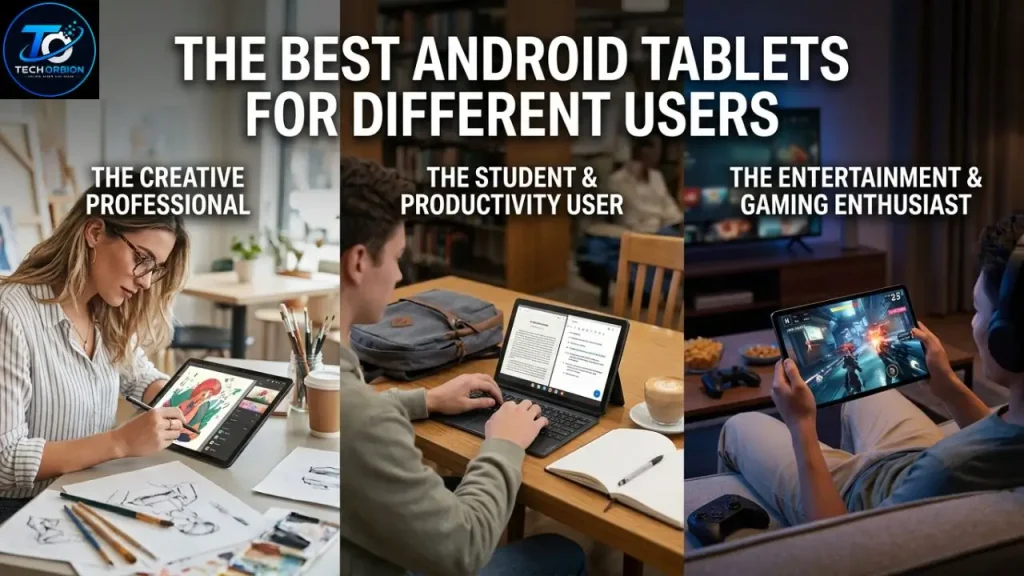
There isn’t a single Android tablet that’s perfect for everyone. A student has different needs than a gamer, while someone working from home primarily needs a large screen and good multitasking capabilities. That’s why you should always base your choice on your own habits.
Samsung offers a wide selection of Android devices, and anyone interested in affordable Samsung devices should take a closer look at the Samsung Galaxy A16.
For everyday use, mid-range tablets are often particularly appealing. They offer enough performance for streaming, web browsing, video calls, social media, and simple games, without costing as much as a premium model. However, if you plan to use professional apps, play demanding games, or do extensive multitasking, you should opt for a more powerful device.
Samsung Galaxy Tab Series
Samsung’s Galaxy Tab series is one of the best-known families of Android tablets. It covers a range of price points and offers everything from basic devices for everyday use to high-performance premium models. Tablets in the Galaxy Tab S series are particularly appealing when you need a high-quality display, powerful hardware, and features designed for productive work.
Another advantage lies in the software features. Samsung offers functions that make it easier to work with multiple applications. Depending on the model, users can, for example, run multiple apps simultaneously on the screen. Anyone who wants to use a tablet not only for watching videos but also for documents, notes, or creative tasks will find many practical options here.
Lenovo and Other Alternatives
Lenovo also offers a wide selection of Android tablets. Some models are geared toward entertainment and multimedia, while others are designed to be versatile everyday devices. This makes Lenovo an attractive option for buyers looking for good value for the money.
Xiaomi and OnePlus also offer Android tablets aimed at users who value modern hardware and a high-quality display. When considering such devices, however, you shouldn’t focus solely on the processor. Software support, updates, accessories, and the availability of keyboards or styluses can be just as important in the long run.
3. Assessing Performance, Storage, and Battery Life Accurately
A tablet’s performance is heavily influenced by the processor it uses and the amount of RAM available. For simple tasks, a mid-range chip is often more than sufficient. However, if you play modern 3D games, edit videos, or regularly run multiple resource-intensive apps at the same time, you should plan for more processing power.
More RAM can help with multitasking, but having as much as possible isn’t automatically better. A well-tuned system with sufficient RAM can feel faster and more reliable in everyday use than a device that boasts impressive specs on paper but runs poorly optimized software. That’s why actual performance should be more important than individual technical specifications.
How much storage do you need?
When it comes to internal storage, it’s worth planning a bit more generously. If you mainly use Netflix, YouTube, and a web browser, a model with less storage will suffice. On the other hand, having a lot of installed games, downloaded movies, photos, and large files can fill up your storage surprisingly quickly.
For many users, a tablet with 128 GB is a reasonable starting point. If you want to store a lot of games or media offline, you should consider 256 GB or more. If a model has a microSD card slot, this can provide additional storage space. However, not all tablets support memory cards, and some apps or games cannot be fully moved to them.
Battery Life in Everyday Use
A large battery capacity may sound appealing at first, but it doesn’t on its own determine how long a tablet will actually last. Screen size, brightness, processor, background apps, and network connection all affect battery consumption.
A tablet with efficient hardware can run longer than a more powerful model with a larger screen, even with a smaller battery. Good battery life is especially valuable for travel or long workdays. Fast charging is also convenient because it gets the device back up and running more quickly.
4. Android Tablets for Work, School, and Entertainment
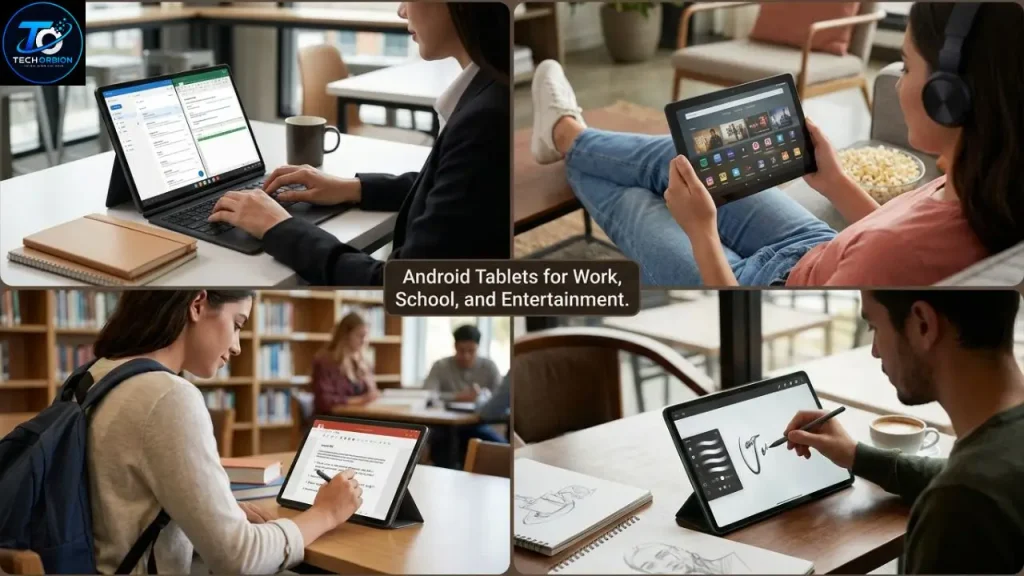
A tablet can be surprisingly versatile in everyday life. For students, for example, it’s great for reading PDFs, watching educational videos, taking notes, and doing research. With the right stylus, it can even replace a digital notebook. The key is that the device responds quickly enough and that the display is comfortable for extended study sessions.
Good headphones also play an important role when it comes to movies, music, and video calls, and anyone interested in high-quality true wireless headphones should take a closer look at the AirPods Pro 2.
A tablet can also be useful for work. You can easily handle emails, calendars, video conferences, and documents. With a Bluetooth keyboard, a tablet also becomes a compact mobile workstation. However, if you regularly need to use complex desktop programs, you should check carefully to see if Android supports the applications you need.
Entertainment and Gaming
Tablets are especially convenient for watching movies and TV shows because their screens are significantly larger than those of smartphones. A high-quality display with good speakers can turn the device into a mini entertainment center. Even when you’re on the go, a tablet is more convenient than a laptop if you just want to watch a movie or read a book.
When it comes to gaming, hardware is more important. Demanding games benefit from a powerful processor, sufficient RAM, and a high refresh rate. At the same time, you should be mindful of heat generation. While a tablet can be very powerful, heavy use during extended gaming sessions can affect its performance.
For casual gamers, on the other hand, a more affordable device is often sufficient. Puzzle games, card games, simple strategy games, and many casual games don’t require high-end hardware. It’s therefore not worth paying for performance you’ll hardly ever use.
5. Which Features Are Really Important When Making a Purchase
In addition to the processor, display, and storage, there are several features that are often underestimated. These include speakers, cameras, USB ports, keyboard support, and stylus compatibility. Especially with a tablet that’s intended to be used for several years, these features can make a big difference.
On Android devices, you may also encounter issues with security features such as the fingerprint sensor; if you experience such problems, our guide “Android Fingerprint Sensor Not Working” can help.
A USB-C port has become practically indispensable. It makes charging easier and, depending on the device, can also allow you to connect accessories. If you frequently transfer files, connect an external monitor, or use other accessories, you should check which features the USB-C port actually supports.
Keyboard and Stylus
If you do a lot of typing, you should choose a tablet that supports a good keyboard or compatible keyboard accessories. A physical keyboard makes typing long emails, texts, and documents much more comfortable. A simple Bluetooth keyboard is sufficient for occasional typing, while a specially designed keyboard case is often better suited for regular use.
A stylus can also be very useful for students, artists, and professionals. You can take notes faster, sketch directly on the screen, and certain apps allow you to make handwritten annotations. Before buying one, however, you should check whether the stylus you want is actually compatible with your tablet.
Software Updates and Long-Term Use
One aspect that is often overlooked is software support. A tablet may seem excellent at the time of purchase, but it loses value over the long term if it only receives updates for a short period of time. Security updates protect the device and your personal data, while new versions of Android can provide additional features and improvements.
Before making a purchase, it’s also a good idea to directly compare the technical differences between various tablet models.
That’s why you shouldn’t just compare the hardware before making a purchase. The manufacturer’s update policy is also part of the overall evaluation. If you plan to keep your tablet for four or five years, you should pay special attention to this point.
Conclusion: What Are the Best Android Tablets?
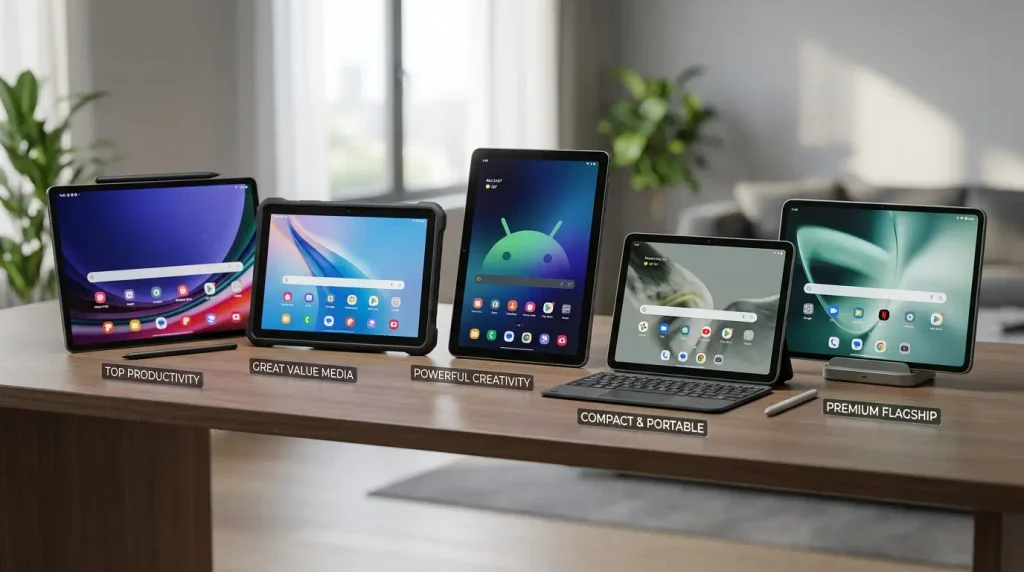
The best Android tablets aren’t necessarily the most expensive models. Rather, the best device is the one that suits your specific needs. For simple tasks like streaming, browsing, and reading, a good mid-range tablet can be more than enough. However, if you want to work productively, play demanding games, or use creative apps, you should prioritize performance, display quality, and accessories.
Samsung offers a particularly versatile selection, while Lenovo, Xiaomi, and OnePlus provide interesting alternatives for different budgets. Ultimately, the decision shouldn’t be based solely on the processor, RAM, or display size. Weight, battery life, software updates, storage, accessories, and your personal use case are just as important.
A good tablet should feel effortless to use in everyday life. It should respond quickly, have a long battery life, and reliably handle exactly the tasks you bought it for. If you compare these factors before making a purchase, you’ll find it easier to choose an Android tablet that not only looks good on paper but will still be a pleasure to use even months later.
Frequently Asked Questions
1. Which Android tablet is the best overall?
That depends on how you plan to use it. Samsung’s premium models are among the top choices for users who want a high-quality display, plenty of processing power, and good multitasking capabilities. For simpler tasks, however, a more affordable mid-range model may be the better choice.
2. How much RAM should a good Android tablet have?
For everyday tasks like browsing, streaming, and simple apps, a moderate amount of RAM is sufficient. If you frequently use multiple apps at the same time or play demanding games, you’ll benefit from more RAM. The manufacturer’s software optimization is also important here.
3. Are Android tablets suitable for school?
Yes. They can be used for reading, researching, watching educational videos, and taking digital notes. With a keyboard and a compatible stylus, a tablet can become even more versatile for students.
4. What is the ideal screen size for an Android tablet?
For many users, a screen size of about 10 to 11 inches strikes a good balance between portability and screen real estate. Larger screens are better suited for multitasking, watching movies, and productive work, but they’re usually heavier and less convenient to carry around.
5. Is an expensive Android tablet worth it?
An expensive tablet is worth it, especially if you actually use its extra power and features. For watching videos, reading, and using simple apps, you usually don’t need to buy a premium model. For gaming, creative work, and productive multitasking, however, a higher-end device can be a good choice.
