

PolyBuzz Download: What is the app all about?
People searching for a PolyBuzz download usually want to quickly find the official app and check if it works on their device. PolyBuzz is an AI chat platform where users can communicate with virtual characters, try out role-playing scenarios, and create their own characters. Consequently, the service is structured differently than a standard AI assistant, which is primarily used for asking questions and receiving answers.
According to the company, PolyBuzz offers a mobile app for both Android and iOS. However, the official FAQ notes that there is currently no dedicated PolyBuzz client for Windows PCs; instead, the web version can be accessed via a browser on a computer.
This is an important point regarding the download process. Smartphone or tablet users can simply search for the official app and install it via their respective app stores. Conversely, those wishing to use PolyBuzz on a PC do not need to look for a Windows installation file; the web version is the intended method for desktop use.
Anyone wishing to learn more about the platform, its features, and its various capabilities can also read our article on PolyBuzz AI.
When downloading, it is also important to avoid using unknown APK files or unofficial installers. With popular apps, websites often appear online promising downloads that do not necessarily provide the genuine application. Therefore, the safest approach is to use official app stores or the official PolyBuzz website.
PolyBuzz Download for Android
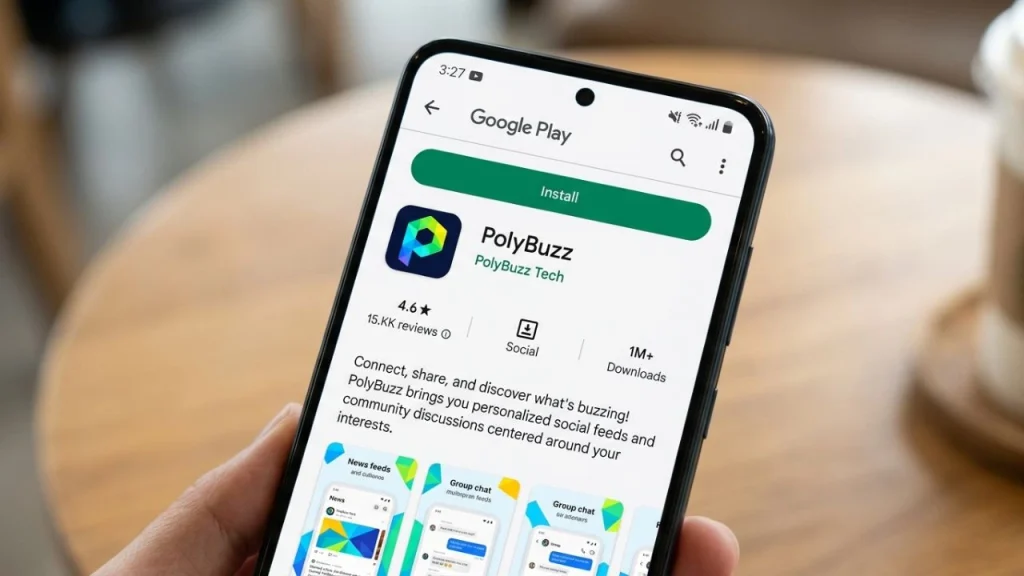
Installation via Google Play
Android users can get PolyBuzz from the Google Play Store. The official PolyBuzz FAQ confirms that an Android version of the app is available.
The standard installation process is straightforward. First, open the Google Play Store on your Android smartphone. Next, search for “PolyBuzz.” Before installing, you should verify the app’s name and the developer (or check the official details). Then, you can start the installation.
Once successfully installed, the PolyBuzz icon will appear on your smartphone. Upon launching the app for the first time, it may request specific permissions or ask you to sign in, depending on the current version. Users should carefully review the access requests; an app does not automatically need to be granted every possible permission simply because it has been installed.
The exact appearance of the Play Store can vary depending on the Android version, manufacturer, and region. Consequently, menus may look slightly different on Samsung, Xiaomi, Google, or other Android devices. However, the basic procedure remains the same: search for the official app, check the details, install it, and then open it.
What should you do if PolyBuzz fails to install?
Sometimes, an app installation does not work right away. Possible reasons include insufficient storage space, an unstable internet connection, or an unsupported device configuration. Issues with the Google Play Store itself can also prevent installation.
In such cases, you should first check that there is enough storage space and that the device is connected to the internet. Restarting your smartphone can also help resolve minor issues. If other apps install without problems but PolyBuzz does not, you should also verify whether your device supports the required Android version.
Downloading an APK file from an unknown website should not be your first option. Such files may be outdated, modified, or bundled with unwanted software. Especially for an application used for personal chats, using an official installation source is the more sensible choice.
PolyBuzz Download for iPhone and iPad
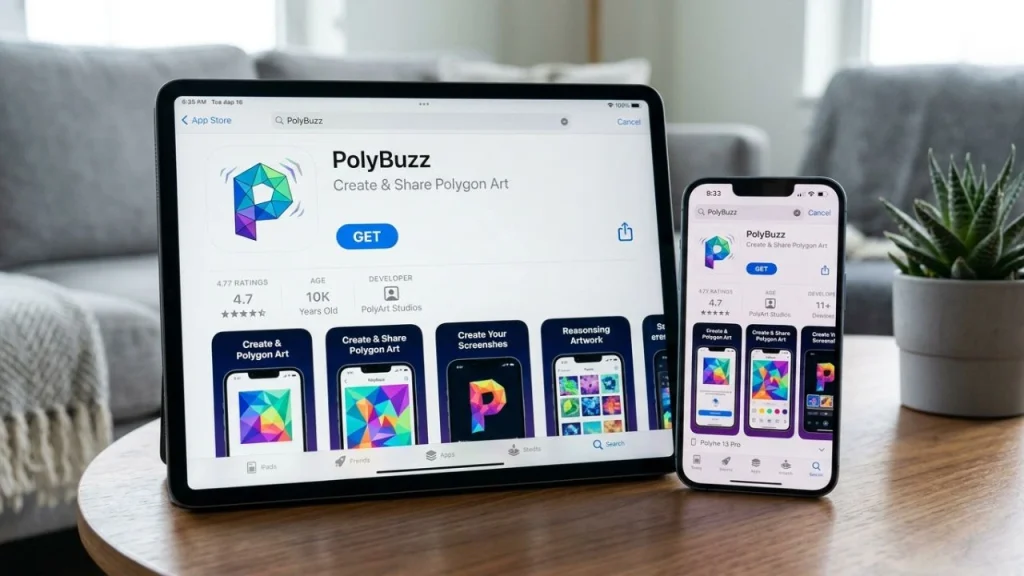
Installing PolyBuzz on iOS
A mobile PolyBuzz app is also available for Apple devices. The official FAQ explicitly mentions an iOS version and points to the App Store.
If you are using an iPhone, first open the App Store and search for “PolyBuzz.” As with Android, make sure to select the official application. You can then download the app using the standard iOS installation process.
Once installed, PolyBuzz can be opened directly via the app icon. Depending on the current version and your account, additional steps—such as registration or logging in—may be required before you can access all features.
Apple users should also note that App Store requirements and available features may vary by region. An app might be available in one country while appearing differently or lacking certain features in another region.
If the app does not appear in the App Store
If PolyBuzz does not show up in search results, it does not necessarily mean that there is no iOS app. Availability can depend on your region, the device you are using, or your App Store settings.
It is worth entering the exact name and carefully reviewing the search results. Checking the official PolyBuzz website can also be helpful, as information regarding available mobile versions is published there.
However, users should not attempt to use unknown profiles or dubious download sites to install the app outside of the standard App Store process. This is especially important if a website asks for your Apple ID credentials or other sensitive information.
Can you download PolyBuzz for PC?
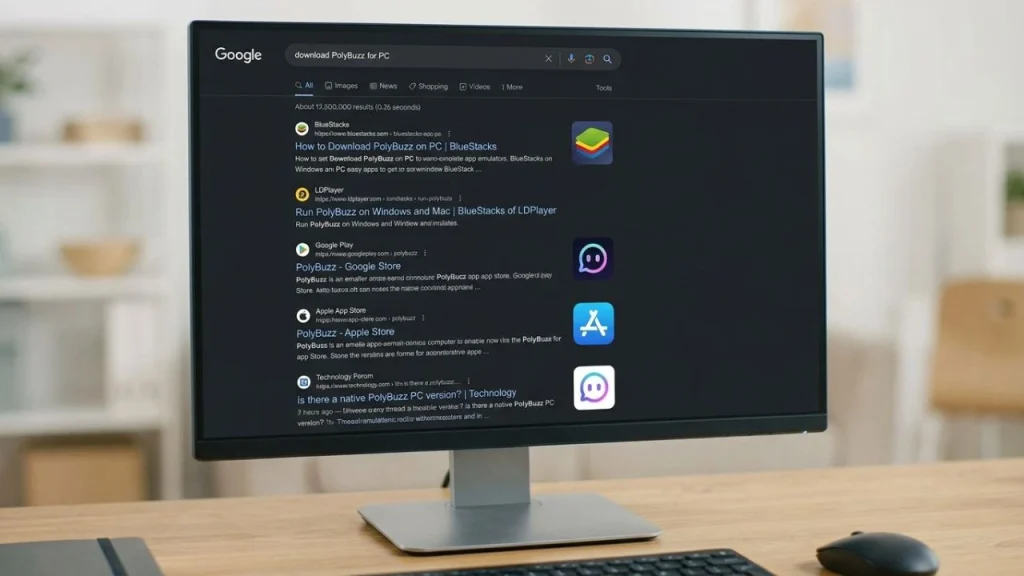
Using PolyBuzz on Windows
One of the most common questions regarding the PolyBuzz download concerns Windows. According to the official FAQ, there is currently no downloadable PolyBuzz PC client. Instead, the web version can be used via a browser.
This means Windows users do not need to look for an official file, such as a traditional .exe installer. You simply open a modern browser and visit the PolyBuzz web version. You can then use the available features without having to install a separate Windows program.
This approach actually offers a practical advantage. The web version requires no installation process and opens directly in the browser. Furthermore, when PolyBuzz updates its web platform, the user does not necessarily have to manually update a separate desktop app.
For a convenient PC workflow, you can save the PolyBuzz website as a browser bookmark. Depending on the browser, you may also have the option to place a shortcut to the website on your desktop. However, this is not a standalone official Windows app, but simply a more convenient way to access the web version.
Why you shouldn’t use an unofficial PC installer
If you search for “PolyBuzz Download PC,” you might come across websites offering supposed Windows versions. Exercise caution here. If the official provider states that no PC client is available for download, you should not simply install an unknown .exe file.
An unknown installer can pose a security risk. Furthermore, an unofficial version might be outdated or lack the features found on the actual web platform. For standard use, the official browser version is therefore the better choice.
Emulators aren’t necessarily a good solution, either. While Android emulators can generally run mobile apps on a PC, they entail additional software and configuration. If an official web version exists, accessing it directly via your browser is usually far less complicated.
Making the most of PolyBuzz after downloading
Selecting characters and creating your own figures
The really interesting part begins after installation. PolyBuzz focuses on AI characters and interactive conversations. According to official information, users can choose from a wide range of characters and also create their own AI figures.
A character might, for instance, have a specific personality, backstory, or way of speaking. This allows the chat to feel more like a role-playing experience: the user sends a message, the AI responds, and the conversation evolves step by step.
When creating a custom character, it is best to define their traits clearly. A figure with a distinct background and a well-defined personality is easier to steer in a specific direction. Even so, the AI may occasionally deviate from the original parameters.
PolyBuzz also highlights features such as character customization, conversation capabilities, and role-playing. This makes the app particularly appealing to users who are looking for an interactive conversation rather than just asking an AI general questions.
Free Access and Additional Features
PolyBuzz describes its platform as free to access but also offers a membership with additional features. This means that not every function is necessarily available under the same terms.
Users who have just installed the app should therefore not assume that every feature will remain free indefinitely. Before signing up for a paid service, it is advisable to carefully check exactly what is included and what costs are involved.
It is also wise to take a close look at virtual currencies or additional in-app features. This is particularly important if an account is linked to a payment method. Users should only make purchases once they have understood the pricing and terms.
Data Privacy and Personal Information
As a general rule, one should exercise caution regarding personal information when using AI chats. Even if a platform offers specific privacy and security measures, details such as passwords should never be shared in a standard AI chat.
The same applies to banking details, identification information, access codes, or other confidential data. An AI chat is not the appropriate place to store or share such information.
PolyBuzz states in its FAQ that chats are treated as private. However, users should also review the service’s current privacy policy if they wish to understand exactly how their data is processed.
Anyone wishing to know more precisely what personal information PolyBuzz processes should also read PolyBuzz’s privacy policy.
Using the app responsibly does not mean refraining from conversation altogether; rather, it means distinguishing between harmless role-playing and truly private information.
PolyBuzz Download: Security, Updates, and Common Issues
Why Official Sources Matter
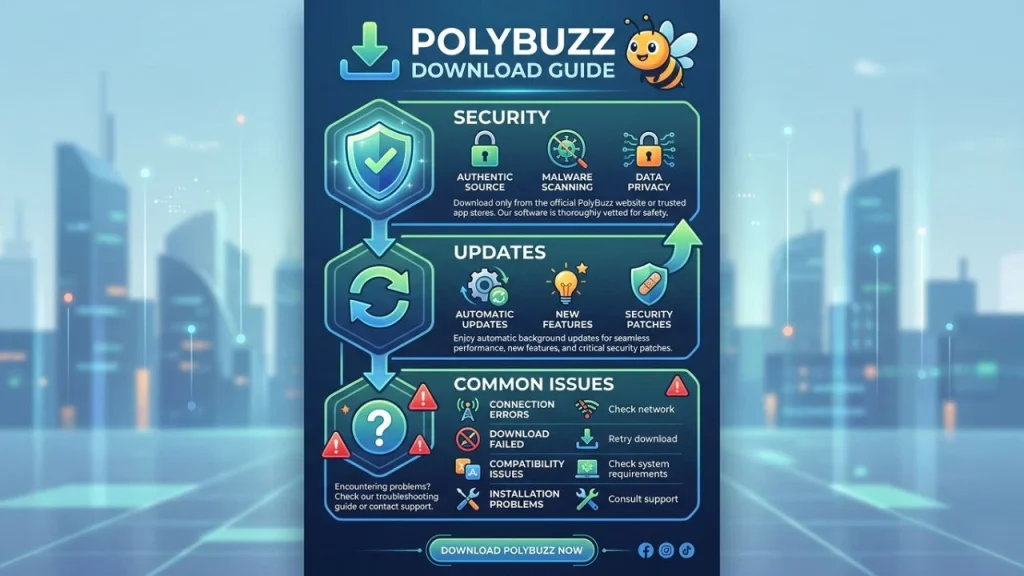
When downloading an app, it is not just about whether the application works; the source of the file also matters. Official app stores offer a much more controlled environment than random download sites.
If a website claims to offer a special “PolyBuzz PC download” even though the official FAQ makes no mention of a PC client, this should serve as a warning sign.
You should also use the official app on mobile devices. A tampered or fake version could not only cause technical issues but might also attempt to access your personal information.
Updates should not be postponed unnecessarily, either. App updates can fix bugs, improve features, and resolve security issues. Therefore, it is advisable to keep the application up to date via the respective official store.
What to do if PolyBuzz isn’t working?
If the app suddenly stops working, you shouldn’t immediately assume your smartphone is faulty. First, you can test your internet connection and check whether other applications are working properly.
In the event of issues, PolyBuzz recommends—among other things—checking your connection and looking for official information regarding suspected outages. The company also notes that the web version can be used as an alternative if problems arise with the app.
Restarting the app, updating it, or logging in again can also help resolve issues. If a problem occurs after an update, it may be best to wait for official guidance from the service rather than immediately installing an unfamiliar older version.
However, if you are experiencing account-related issues, you should avoid using third-party “support” sites that ask for login credentials. Support requests should be submitted via the service’s official contact channels.
Conclusion: Downloading and Using PolyBuzz Safely and Easily
Downloading PolyBuzz is a relatively straightforward process for mobile users. Official information indicates that PolyBuzz apps are available for Android and iOS, though there is currently no dedicated PC client available for download; Windows and other desktop users can use the web version via a browser instead.
For Android, the standard download route is via Google Play, while iPhone and iPad users should use the App Store. No separate installer is required for PC. For this reason, users should exercise caution regarding websites offering an alleged official Windows download.
Once installed, the core AI features take center stage. Users can select characters, engage in conversations, and create their own figures. When using the app, it is important to rely on official sources, keep the app updated, and handle personal information responsibly.
PolyBuzz offers an interesting way to explore AI characters and interactive role-playing games on your smartphone. Ultimately, the most important rule regarding the download is simple: use the official app or web version and avoid unknown installation files.
Frequently Asked Questions about Downloading PolyBuzz
1. Can PolyBuzz be downloaded on Android?
Yes. According to the official PolyBuzz FAQ, there is a mobile Android app available. It can be downloaded via Google Play.
2. Is there a PolyBuzz download for the iPhone?
Yes. PolyBuzz states that it also offers an iOS app, which is available via the Apple App Store.
3. Can PolyBuzz be installed on a Windows PC?
Currently, according to its official FAQ, PolyBuzz does not offer a dedicated PC client for download. Instead, users can access PolyBuzz via the web version in their browser.
4. Is the PolyBuzz download free?
PolyBuzz states that the platform is free to access. There is also a membership option offering expanded features. Which features are free versus paid may be subject to change.
5. Should you download the PolyBuzz APK from a third-party website?
It is better to obtain the official app from the respective app store. Unknown APK files can pose a security risk and may not correspond to the official application.
