

Introduction
A mouse pad may look like a simple desk accessory, but it can make a big difference in your daily computer use. Whether you use a computer for work, school, gaming, or creative tasks, a good mouse pad helps your mouse move smoothly and accurately. It also protects your desk from scratches and keeps your workspace clean.
Many people think any flat surface is enough for a mouse. While that is true for basic use, a quality mouse pad offers better comfort, control, and performance. It can even reduce wrist strain during long hours of use. With so many types, sizes, and materials available, choosing the right one can feel confusing. This guide explains everything you need to know about a mouse pad in simple language so you can find the perfect option for your needs.
If you are completely new to this field, don’t worry. This guide on “Logitech Mouse” will help you understand everything step by step in simple English, without confusing technical jargon.
What Is a Mouse Pad?
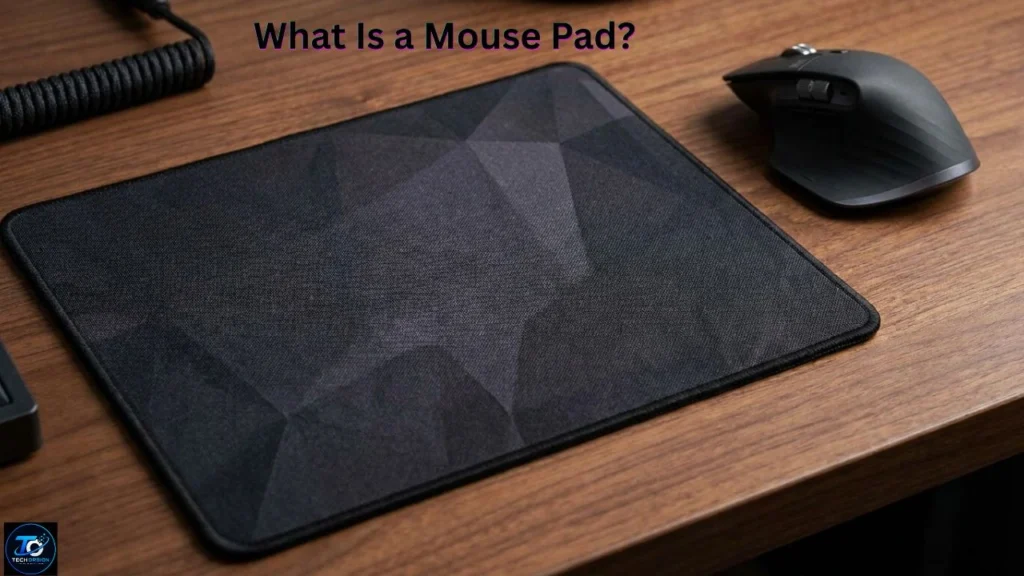
A mouse pad is a flat surface designed for computer mice. It gives the mouse sensor a smooth area to track movement more accurately. Without a proper surface, your mouse may skip, move unevenly, or lose accuracy.
Modern mouse pads come in different materials such as cloth, plastic, rubber, glass, and aluminum. Each material offers a different feel and level of performance. Some are made for everyday office work, while others are designed for gaming or professional design work.
Why Is a Mouse Pad Important?
A mouse pad improves the way your mouse works. It provides a consistent surface that helps the sensor detect movement correctly. This leads to smoother and more accurate cursor control.
It also protects your desk from scratches caused by constant mouse movement. Many mouse pads include a soft rubber base that keeps them from sliding around during use.
Another important benefit is comfort. A mouse pad creates a softer surface for your hand and wrist, making long computer sessions more comfortable.
Different Types of Mouse Pads
There are several types of mouse pads available today. Each one is made for different users and tasks.
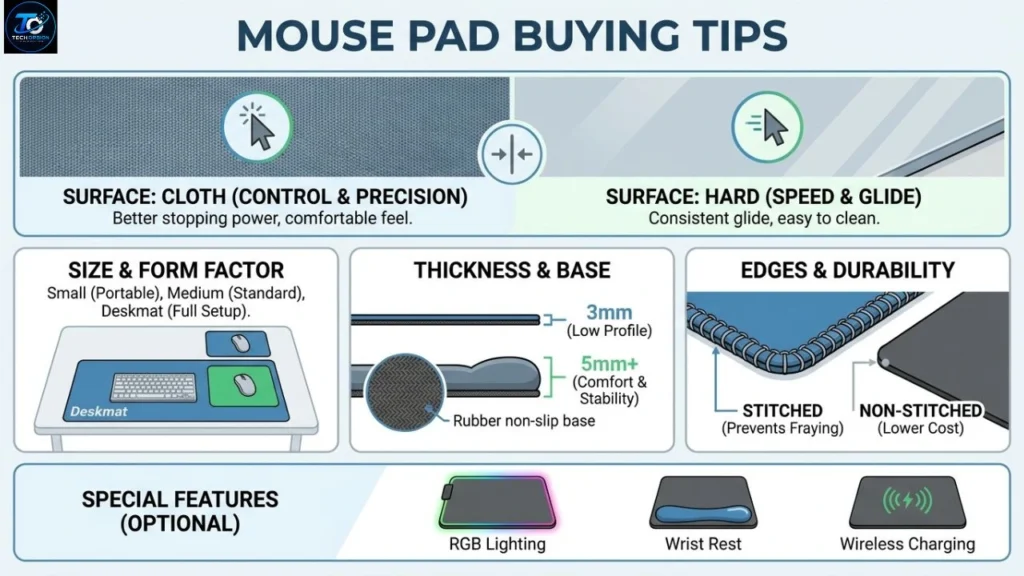
Cloth mouse pads are the most common choice. They are soft, affordable, and provide excellent control. They work well for office workers, students, and gamers.
Hard mouse pads are made from plastic or metal. They allow faster mouse movement and are easy to clean. Many competitive gamers prefer them because they support quick movements.
Some mouse pads come with wrist rests. These models include a soft cushion that supports your wrist and may improve comfort during long hours of work.
Large desk mats are another popular option. They cover both the keyboard and mouse area, creating a neat and organized workspace.
How to Choose the Right Mouse Pad
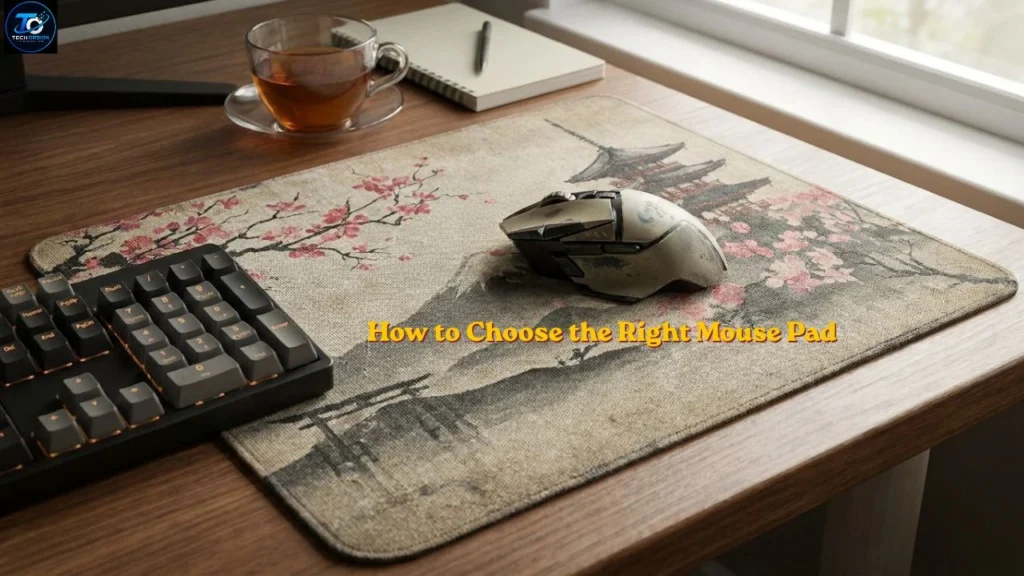
The best mouse pad depends on how you use your computer. If you mainly browse the web or work with documents, a standard cloth mouse pad is usually enough.
Gamers often prefer larger mouse pads because they allow wide mouse movements. Graphic designers and video editors may choose smooth surfaces for better precision.
You should also consider the size of your desk. A compact desk may only need a small mouse pad, while larger desks can easily fit oversized desk mats.
Think about comfort as well. If you spend many hours on the computer, a mouse pad with wrist support may be a good investment.
Using a comfortable workspace is just as important as choosing the right mouse pad. The Computer Ergonomics Guide explains how proper desk setup can reduce wrist strain and improve comfort.
Mouse Pad Materials Explained
The material affects how a mouse pad feels and performs.
Cloth mouse pads are soft, quiet, and comfortable. They offer excellent control and are popular among most users.
Plastic mouse pads provide a smoother surface for faster movement. They are durable and easy to wipe clean.
Glass mouse pads have a premium appearance and are very smooth. However, they are usually more expensive and may require compatible mouse sensors.
Aluminum mouse pads are strong and stylish. They stay cool during use but may feel harder on the wrist.
Mouse Pad for Gaming
Gaming requires quick reactions and accurate movements. A gaming mouse pad helps improve tracking during fast action.
Many gaming mouse pads have textured surfaces that improve control. Others focus on speed by allowing the mouse to glide with less resistance.
Large gaming mouse pads are popular because they give players more room to move the mouse without lifting it often.
Some premium models also include RGB lighting around the edges to match gaming setups. While the lights look attractive, they do not improve performance.
How to Clean a Mouse_Pad
Keeping your mouse_pad clean helps it last longer and improves mouse performance.
For cloth mouse_pads, use warm water with a small amount of mild soap. Gently scrub the surface using a soft cloth or sponge. Rinse it carefully and let it air dry completely before using it again.
Hard mouse_pads are much easier to clean. Simply wipe them with a damp cloth to remove dust and dirt.
Cleaning your mouse_pad every few weeks keeps it looking fresh and working properly.
Common Features to Look For
Many mouse_pads include useful features that improve comfort and performance.
A non-slip rubber base prevents the mouse_pad from moving around during use. This helps maintain steady control.
Stitched edges reduce fraying and increase durability. If you use your mouse_pad every day, stitched edges are worth considering.
Water-resistant coatings protect against accidental spills. Some mouse_pads also offer extra-thick padding for improved comfort.
Is an Expensive Mouse_Pad Worth It?
Not everyone needs an expensive mouse_pad. For basic office work or school assignments, an affordable cloth mouse pad usually performs very well.
Premium mouse_pads often use better materials and stronger stitching. They may also last longer with daily use.
Gamers and professionals who need high precision may benefit from higher-quality models. However, most users can enjoy excellent performance without spending a lot of money.
Mouse_Pad Buying Tips
Before buying a mouse_pad, think about your daily activities. A student has different needs than a gamer or graphic designer.
Choose a size that fits your desk and gives enough room for comfortable movement. Check the material, thickness, and durability before making your decision.
Reading customer reviews can also help you understand how a mouse_pad performs in real-world use.
Benefits of Using a Mouse_Pad
- Improves mouse accuracy and tracking.
- Protects your desk from scratches.
- Makes mouse movement smoother.
- Increases comfort during long computer sessions.
- Helps reduce wrist strain.
- Keeps your workspace clean and organized.
- Extends the life of your mouse feet.
- Available in many sizes and designs.
- Suitable for work, gaming, and study.
- Easy to clean and maintain.
Common Mistakes When Using a Mouse_Pad
- Buying a mouse_pad that is too small for your needs.
- Ignoring the material before purchasing.
- Never cleaning the mouse_pad.
- Using a worn-out mouse_pad for too long.
- Choosing style over comfort.
- Placing the mouse_pad on an uneven surface.
- Not checking if it has a non-slip base.
- Buying expensive features that you do not actually need.
Frequently Asked Questions
1. Do I really need a mouse_pad?
Yes. A mouse_pad improves tracking, protects your desk, and provides a more comfortable surface for everyday computer use.
2. Which mouse_pad is best for gaming?
A large cloth or hard gaming mouse_pad with a non-slip base is a great choice for most gamers.
3. How often should I clean my mouse_pad?
Cleaning it every few weeks is a good habit. If you use it daily, clean it more often when it becomes dirty.
4. Can a mouse_pad improve gaming performance?
A quality mouse_pad can provide smoother movement and better accuracy, which may help during fast-paced games.
5. How long does a mouse_pad last?
A well-made mouse_pad can last several years with proper care and regular cleaning.
Conclusion
A mouse_pad is a small accessory that offers many useful benefits. It improves mouse accuracy, protects your desk, and provides a more comfortable working or gaming experience. Whether you are a student, office worker, designer, or gamer, choosing the right mouse_pad can make everyday computer use easier and more enjoyable.
Before buying one, think about the size, material, comfort, and how you plan to use it. You do not always need the most expensive option. A good-quality mouse_pad that matches your needs will provide reliable performance for years. By keeping it clean and choosing the right style, you can enjoy smoother mouse movement, better control, and a more organized workspace every day.
